Six Game Payments – Deposit & Withdrawal Guide
Six Game payments system is designed to be simple and fast for users in Pakistan. Players can easily deposit money to start playing and withdraw winnings using supported payment methods. Below is a clear step-by-step guide for both processes.
How to Deposit Money in Six Game (Step-by-Step)
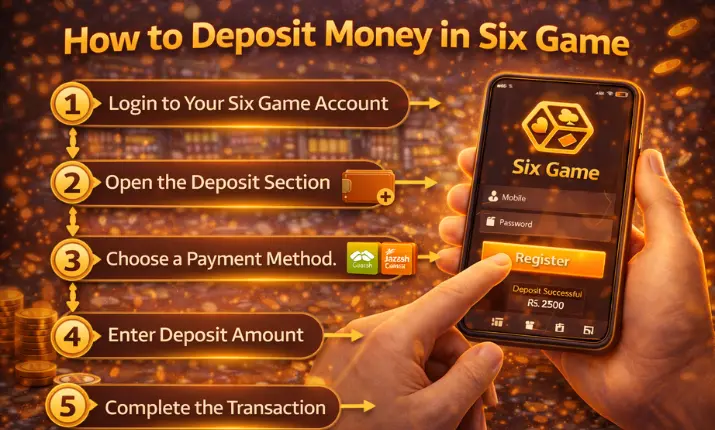
Step 1: Login to Your Six Game Account
Open the app or website and sign in to your account.
Step 2: Open the Deposit Section
From the dashboard, tap on Wallet or Deposit.
Step 3: Choose a Payment Method
Select your preferred option such as EasyPaisa, JazzCash, or other available methods.
Step 4: Enter Deposit Amount
Add the amount you want to deposit and confirm the payment.
Step 5: Complete the Transaction
After successful payment, the balance will be added to your Six Game account.
How to Withdraw Money from Six Game (Step-by-Step)
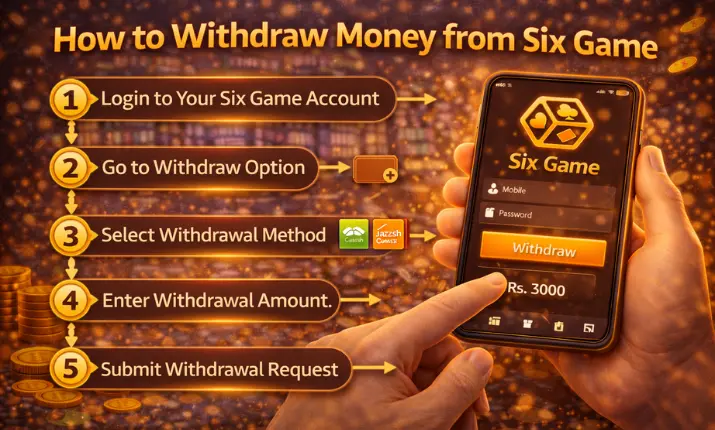
Step 1: Login to Six Game
Make sure your account is fully verified before requesting a withdrawal.
Step 2: Go to Withdraw Option
Open the Wallet section and tap on Withdraw.
Step 3: Select Withdrawal Method
Choose EasyPaisa, JazzCash, or any supported withdrawal option.
Step 4: Enter Withdrawal Amount
Add the amount you want to withdraw and double-check details.
Step 5: Submit Withdrawal Request
Confirm the request. Your payment will be processed within the given time.
Important Notes About Six Game Payments
- Use the same payment account for deposit and withdrawal
- Ensure correct wallet details to avoid delays
- Withdraw only after meeting minimum balance requirements